> ## Documentation Index
> Fetch the complete documentation index at: https://docs.runpulse.com/llms.txt
> Use this file to discover all available pages before exploring further.
# Platform Reference
> Guides and reference documentation for the Pulse Platform.
## Overview
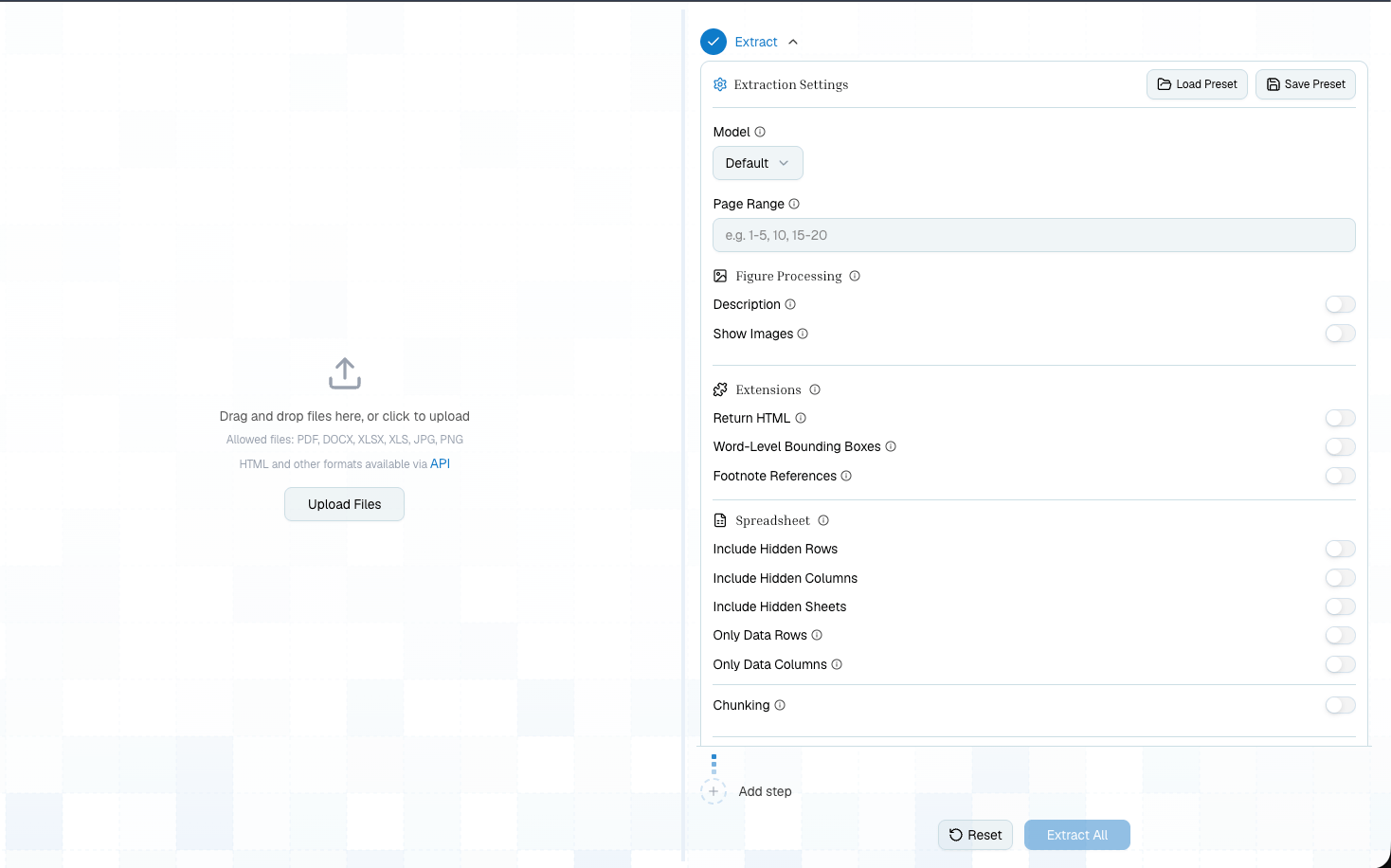
The Pulse Platform is the unified web application for designing, testing, reviewing, saving, and exporting document pipelines.
Upload documents, build extraction pipelines, preview results, manage your organization, API keys, usage, and billing.
The Platform and API use the same primitives. A pipeline you build visually maps directly to SDK calls through Show Code.
 ***
## Pipelines
Choose the right pipeline for your use case — each one builds on the previous:
Tour the pipeline builder, output tabs, presets, and Show Code.
Create a working Extract -> Schema pipeline in the UI.
Convert any document to markdown, tables, and figures
Add structured data extraction with a JSON Schema
Divide into sections and apply per-topic schemas
***
## Additional Features
Save and reuse pipeline configurations — on the platform and via config IDs in the API
Browse, organize, and revisit all your saved extractions
Use Show Code and presets to take your Playground pipeline into production
Re-run schema, split, or extraction on already-processed documents
Detect, fill, and clear PDF forms from the Platform or API
***
## Developer And Organization Screens
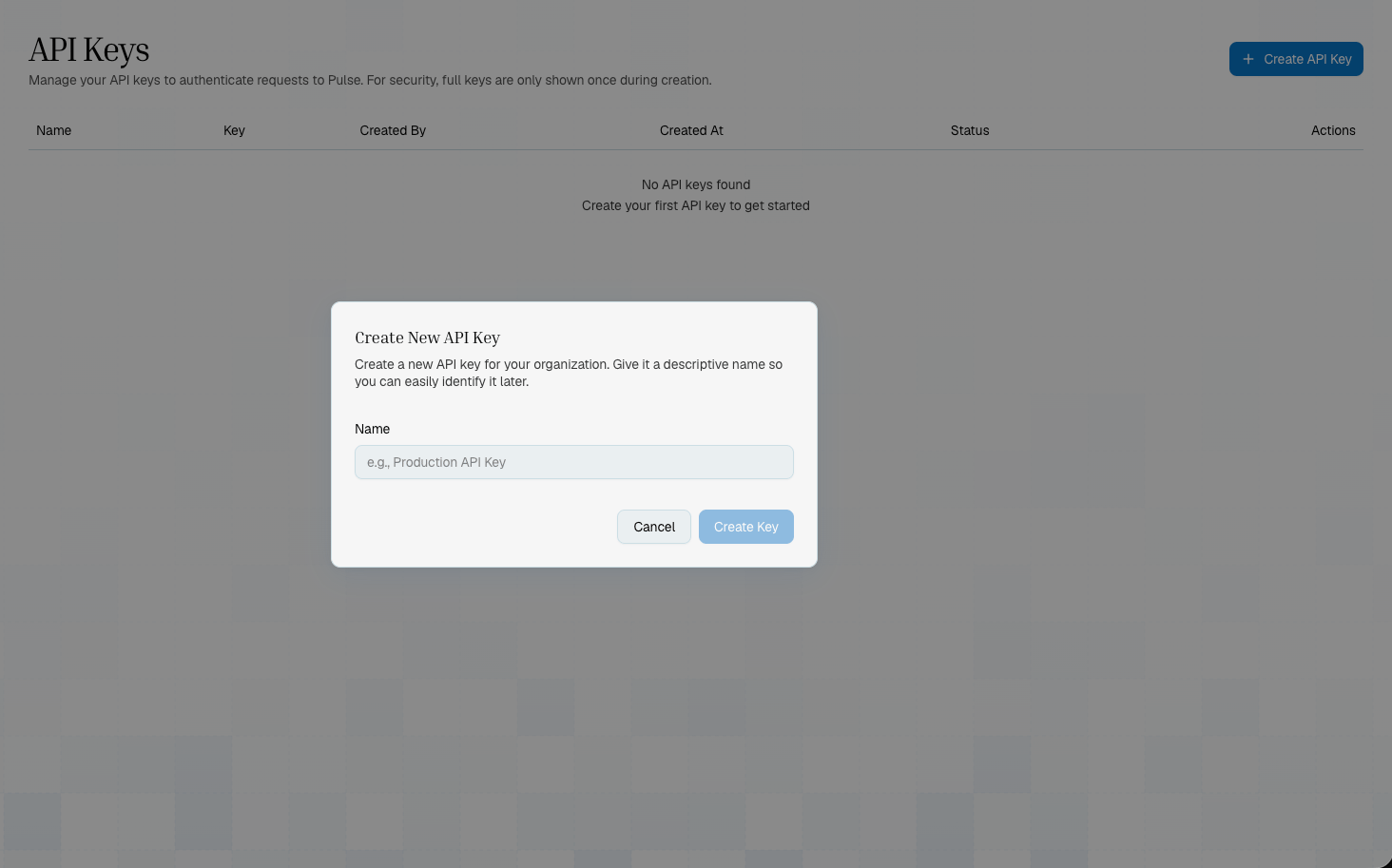
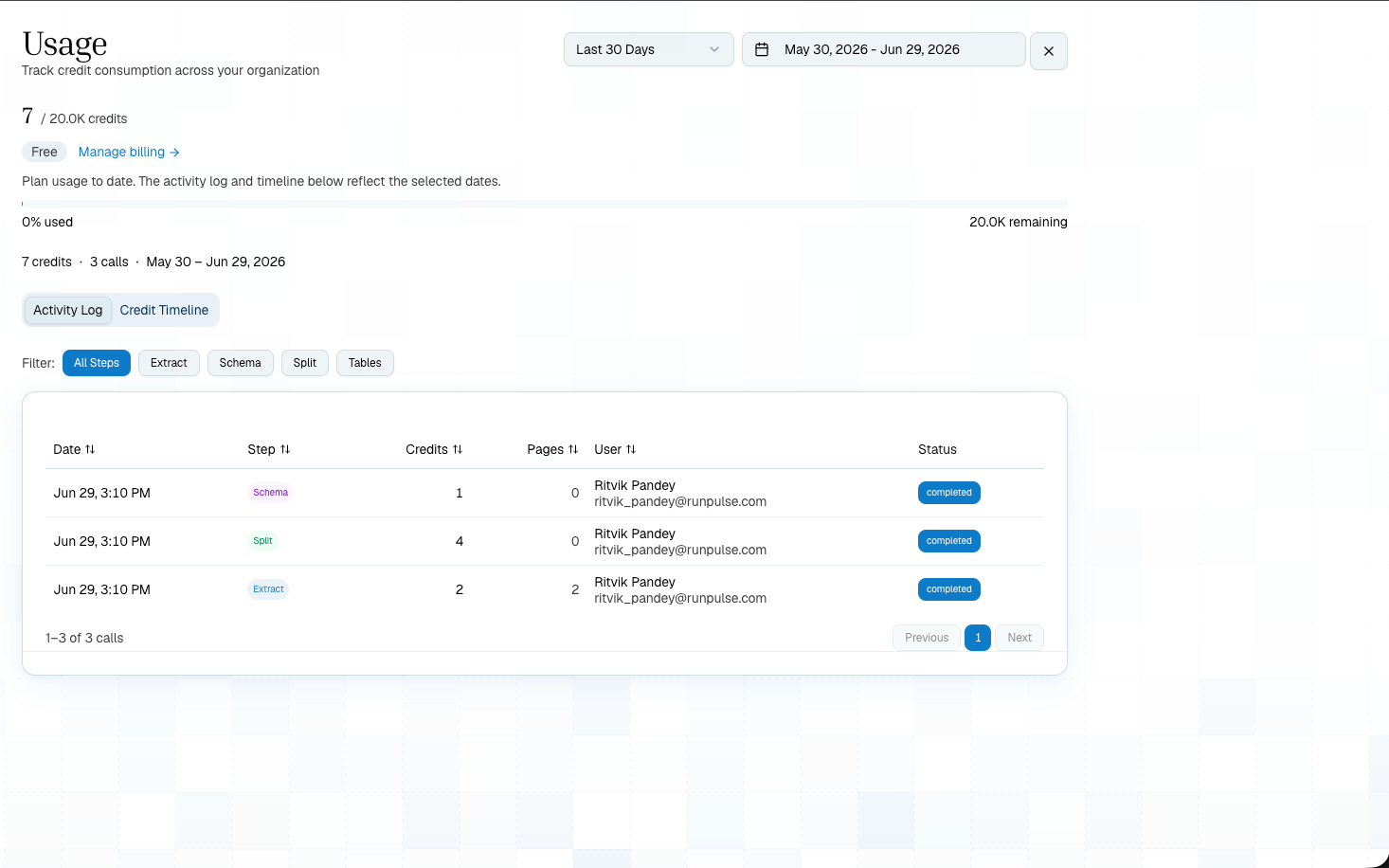
Use the Developer section to create API keys and inspect usage before moving a workflow into production.
***
## Pipelines
Choose the right pipeline for your use case — each one builds on the previous:
Tour the pipeline builder, output tabs, presets, and Show Code.
Create a working Extract -> Schema pipeline in the UI.
Convert any document to markdown, tables, and figures
Add structured data extraction with a JSON Schema
Divide into sections and apply per-topic schemas
***
## Additional Features
Save and reuse pipeline configurations — on the platform and via config IDs in the API
Browse, organize, and revisit all your saved extractions
Use Show Code and presets to take your Playground pipeline into production
Re-run schema, split, or extraction on already-processed documents
Detect, fill, and clear PDF forms from the Platform or API
***
## Developer And Organization Screens
Use the Developer section to create API keys and inspect usage before moving a workflow into production.
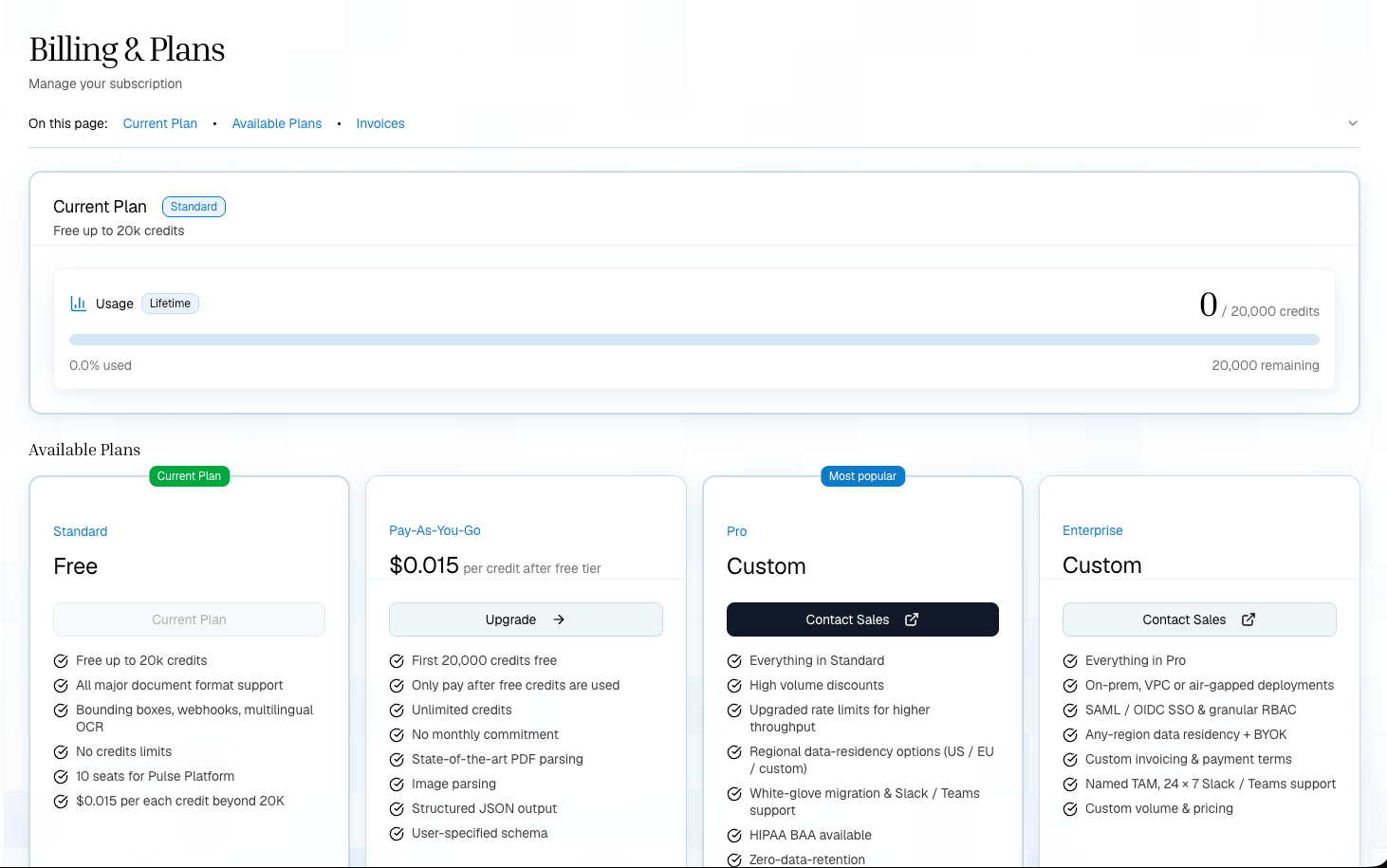
 Billing and plan controls live under the Organization section.