
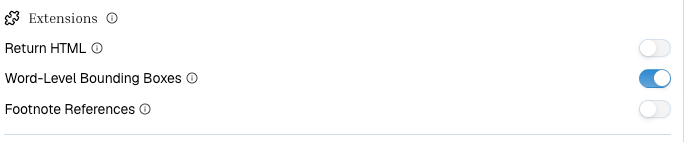
extensions.altOutputs.wlbb. It can make results much larger, so enable it for review and QA workflows rather than every ingestion job. The equivalent top-level word_level_bounding_boxes: true parameter is also accepted.
Note that the standard bounding_boxes.Words collection — word text, page, confidence, and polygon — is always part of the extraction response; extensions.alt_outputs.wlbb adds the separate word-box output used by existing WLBB workflows.
If your workflows always need word-level output, your organization can have it enabled by default on every extraction without passing the parameter per request — contact support to configure an org-wide default.
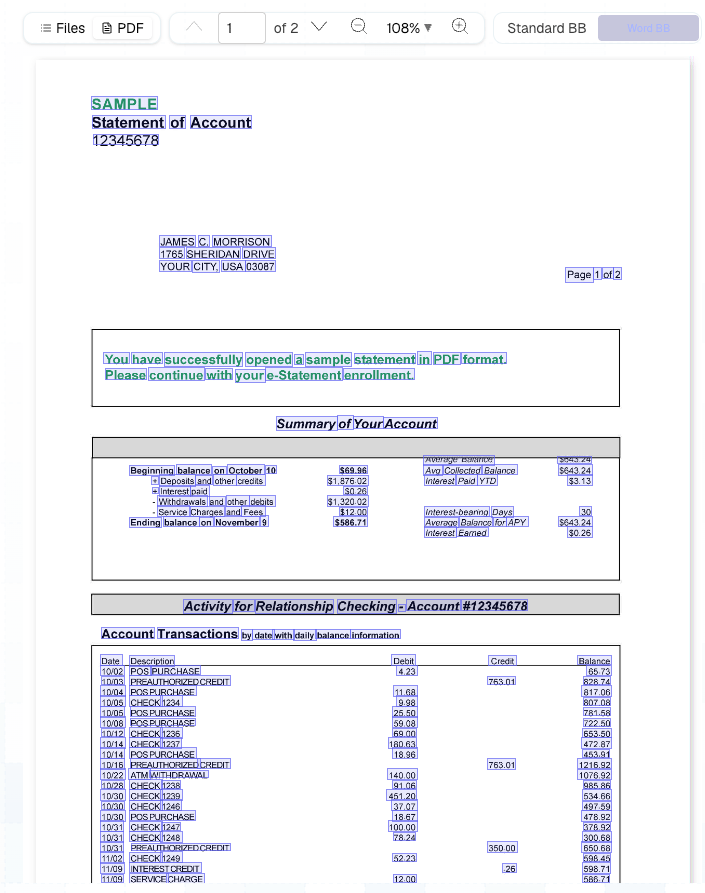
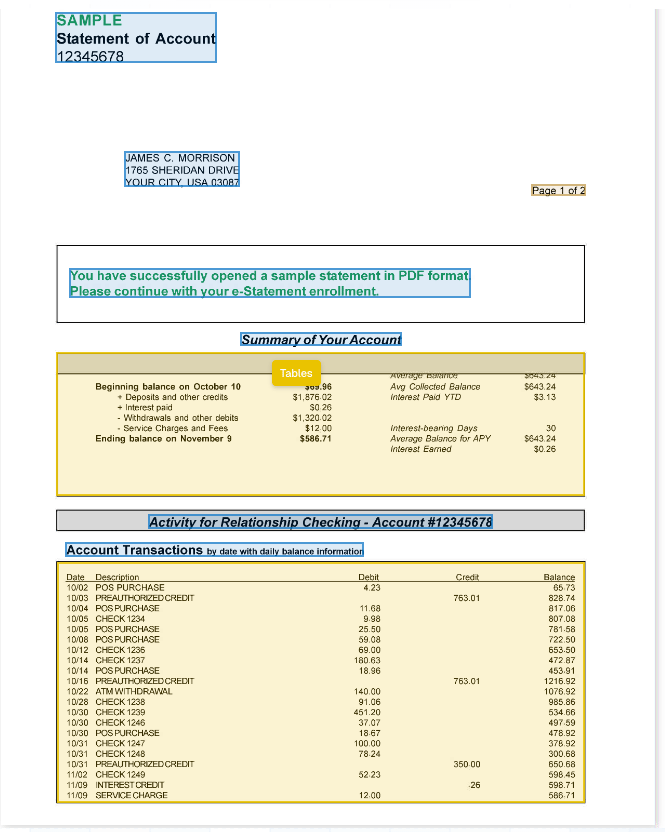
Bounding Boxes
Understand block-level and word-level source coordinates.