
Open the Platform
Sign in, create or select an organization, and open the Playground.
Prefer code first?
Use the API quickstart for Python, TypeScript, and REST examples.
Create Or Sign In
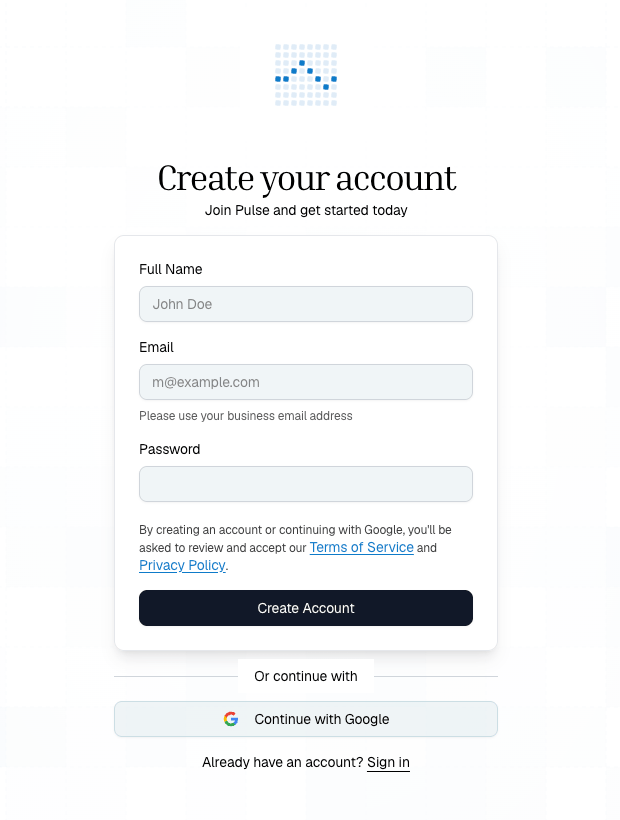
Start by signing into the Platform, or create an account if your team is new to Pulse.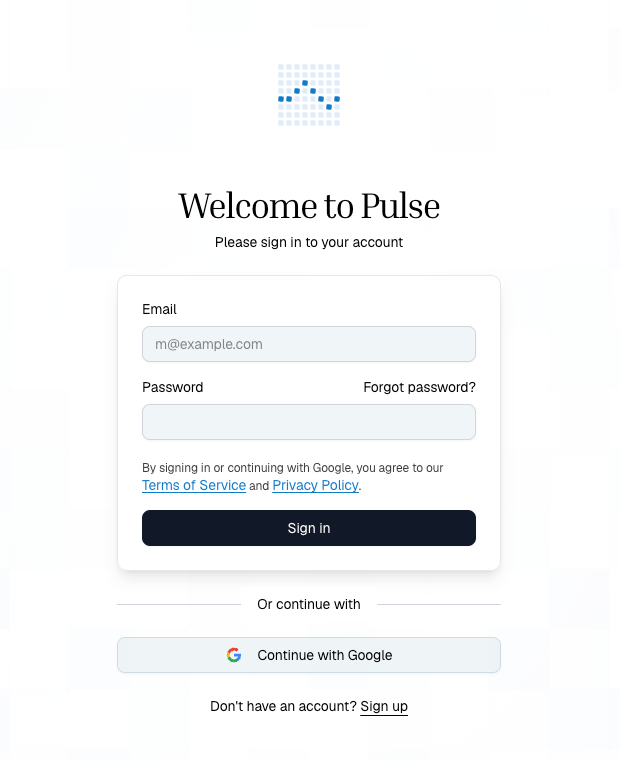
What You See First
The first screen is the Playground: upload on the left, extraction settings on the right, and pipeline controls below the configured step.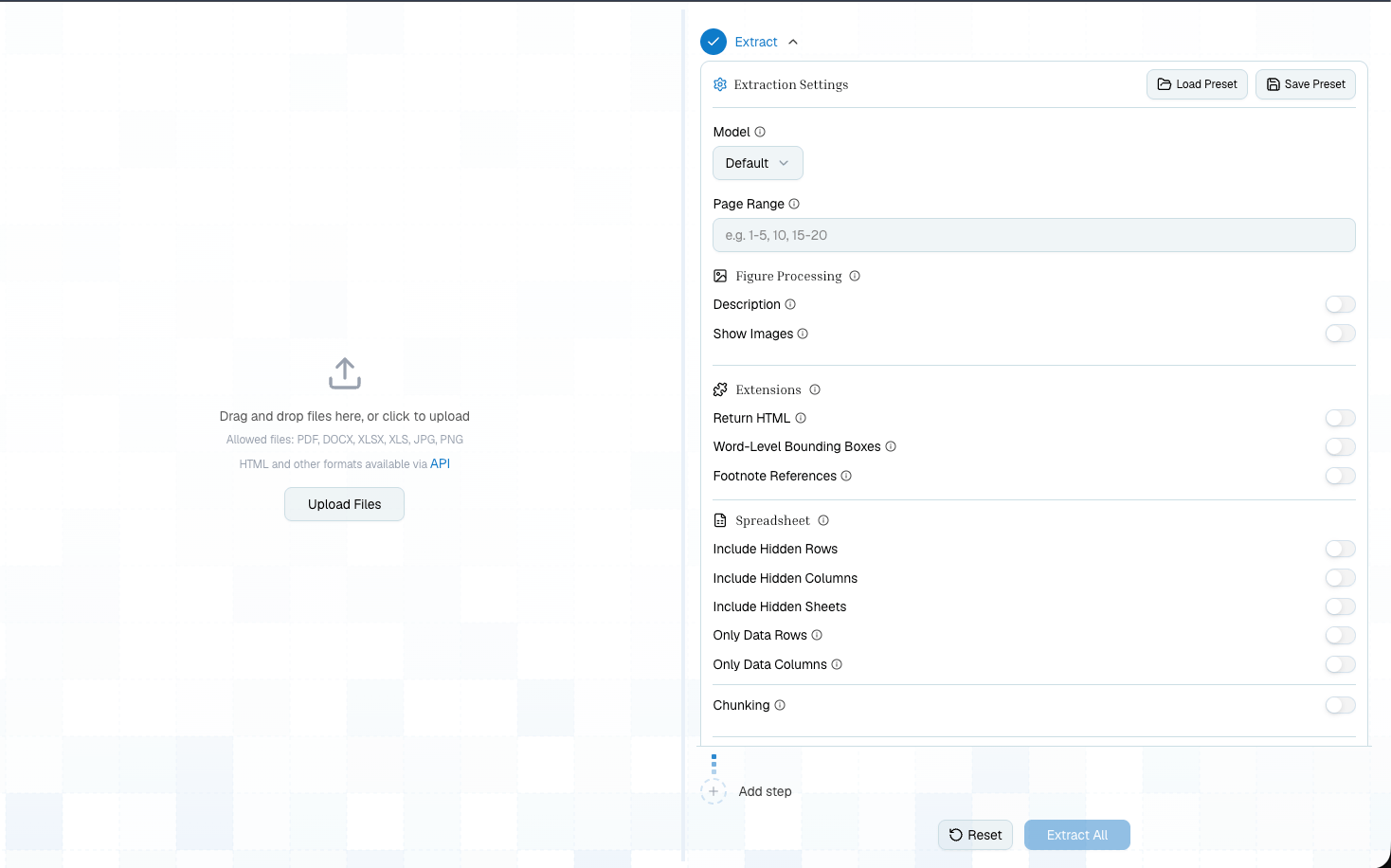
First Pipeline
1
Start a new extraction
Open New Extraction from the sidebar and upload a PDF, spreadsheet, Word document, image, or supported file URL.
2
Keep the first run simple
Run the default Extract step first. This gives you markdown, detected tables, figures, citations, page count, and an
extraction_id you can reuse.3
Inspect the output
Review the Markdown and Tables tabs. For PDFs and images, use the document viewer to compare extracted content against the original page.
4
Add one next step
Add Schema when you need structured JSON, Tables when the output is table-first, or Split when different sections need different treatment.
5
Save and export
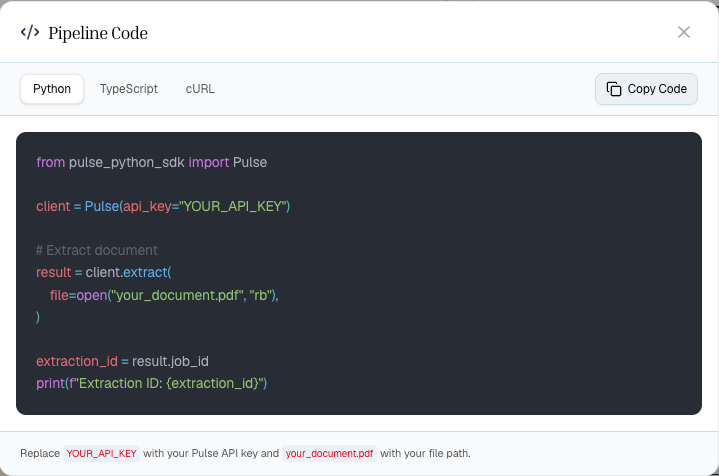
Save step presets once the output looks right, then use Show Code to generate Python, TypeScript, or cURL that reproduces your pipeline.
Add And Configure Steps
After Extract, add the next processing step from the pipeline menu.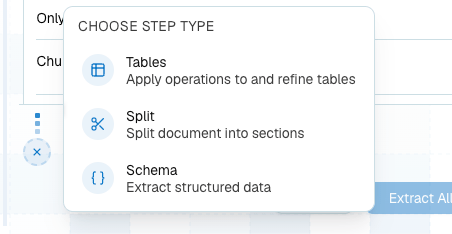
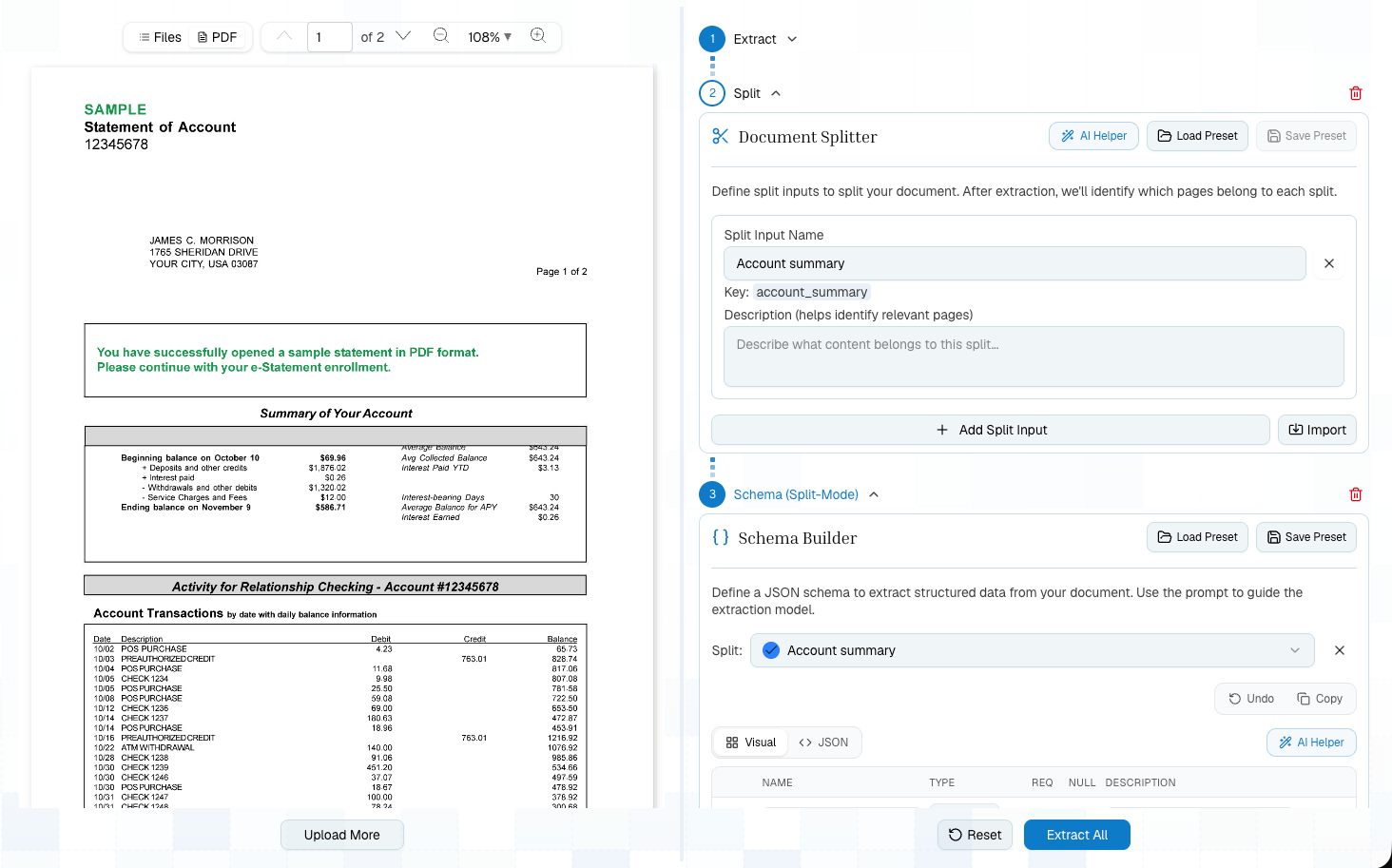
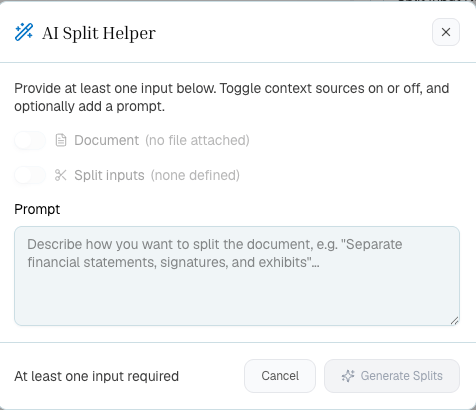
Use AI Helpers For Drafts
Schema and Split both include AI helpers. Use them to draft a first schema or topic list from a prompt, then tighten field names, descriptions, required fields, and topic boundaries before saving presets.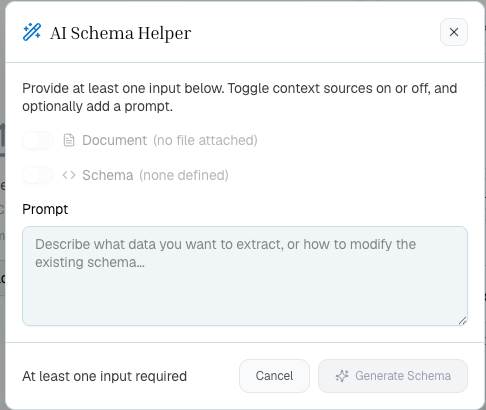
What To Try First
Production Handoff
The Platform is not a separate product path from the API. It is the safest way to design the workflow:- Build the pipeline on representative documents.
- Save any extract, split, schema, or table presets you want to reuse.
- Click Show Code to copy the equivalent SDK call sequence.
- Replace the sample file and API key in your app.
- Use async processing, webhooks, or batch endpoints when you move to higher volume.
Next Steps
Choose Your Workflow
Decide which pipeline shape fits your document.
Platform Walkthrough
Learn each part of the Playground in more depth.
API Quickstart
Run the same flow from code.
From Platform to Production
Turn a tested pipeline into production SDK calls.