
Open Platform
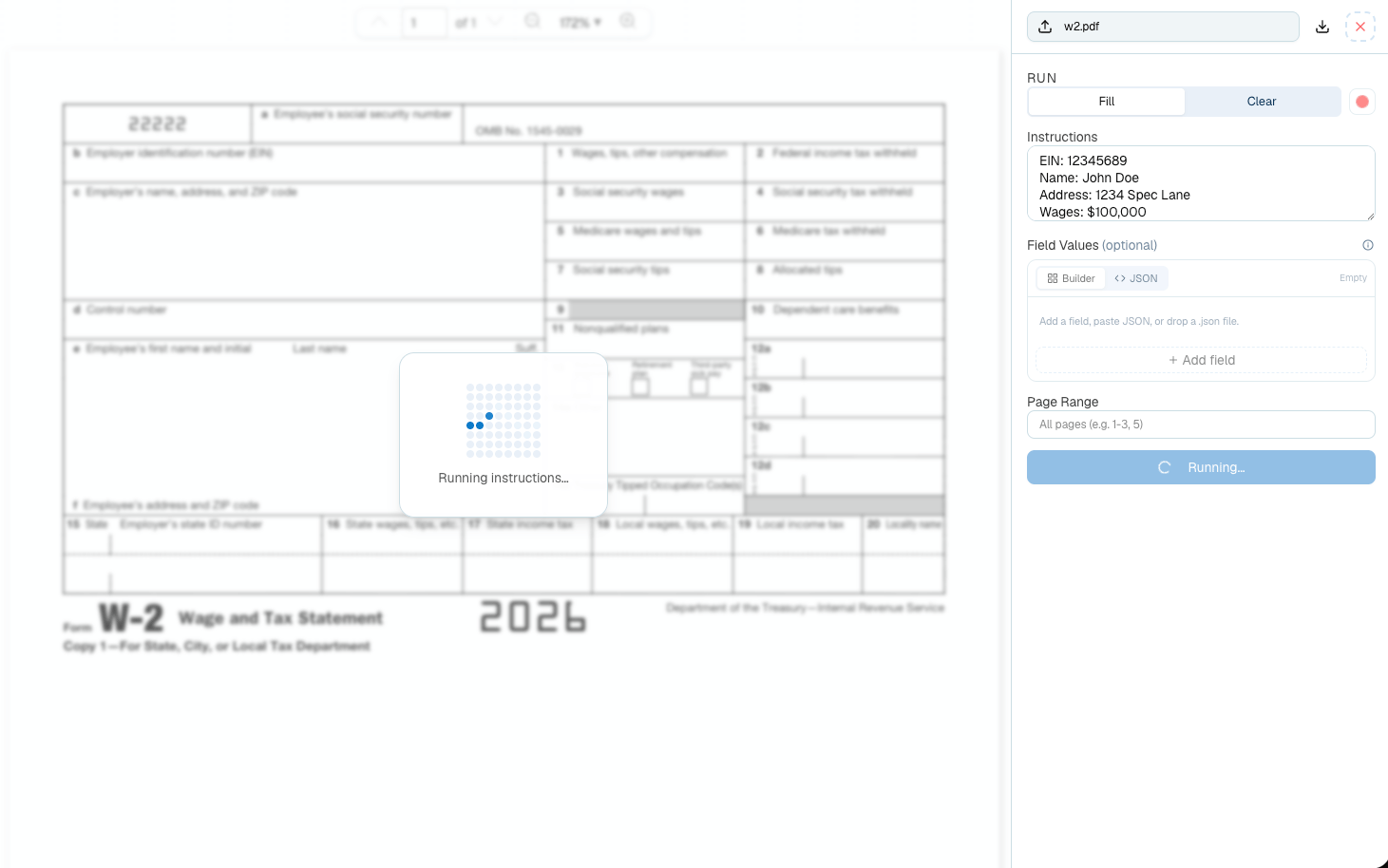
Upload a form, write fill instructions, review the completed PDF, and download the result.
Workflow
1
Upload a PDF form
Use a native PDF form, flat PDF, or scanned form with visible labels, checkboxes, signature areas, or typed fields.
2
Write instructions
Describe the values to place in the form. Include names, dates, addresses, checkbox selections, signatures, and anything that should stay blank.
3
Review the completed PDF
Check the rendered output before downloading. If a value lands in the wrong field, make the instruction more specific and rerun.
4
Move repeated work to the API
Use the API Forms endpoints when the workflow needs to run inside your app, queue, or document automation system.
When To Use Forms
Related API Reference
Detect Form Fields
Inspect fields and get a reusable
form_id.Fill Form
Fill a PDF from instructions.
Clear Form
Remove user-filled values.