
Layout
After a run completes, the Playground keeps the original document and the extracted output side by side so you can validate citations, tables, and structured data without leaving the workflow.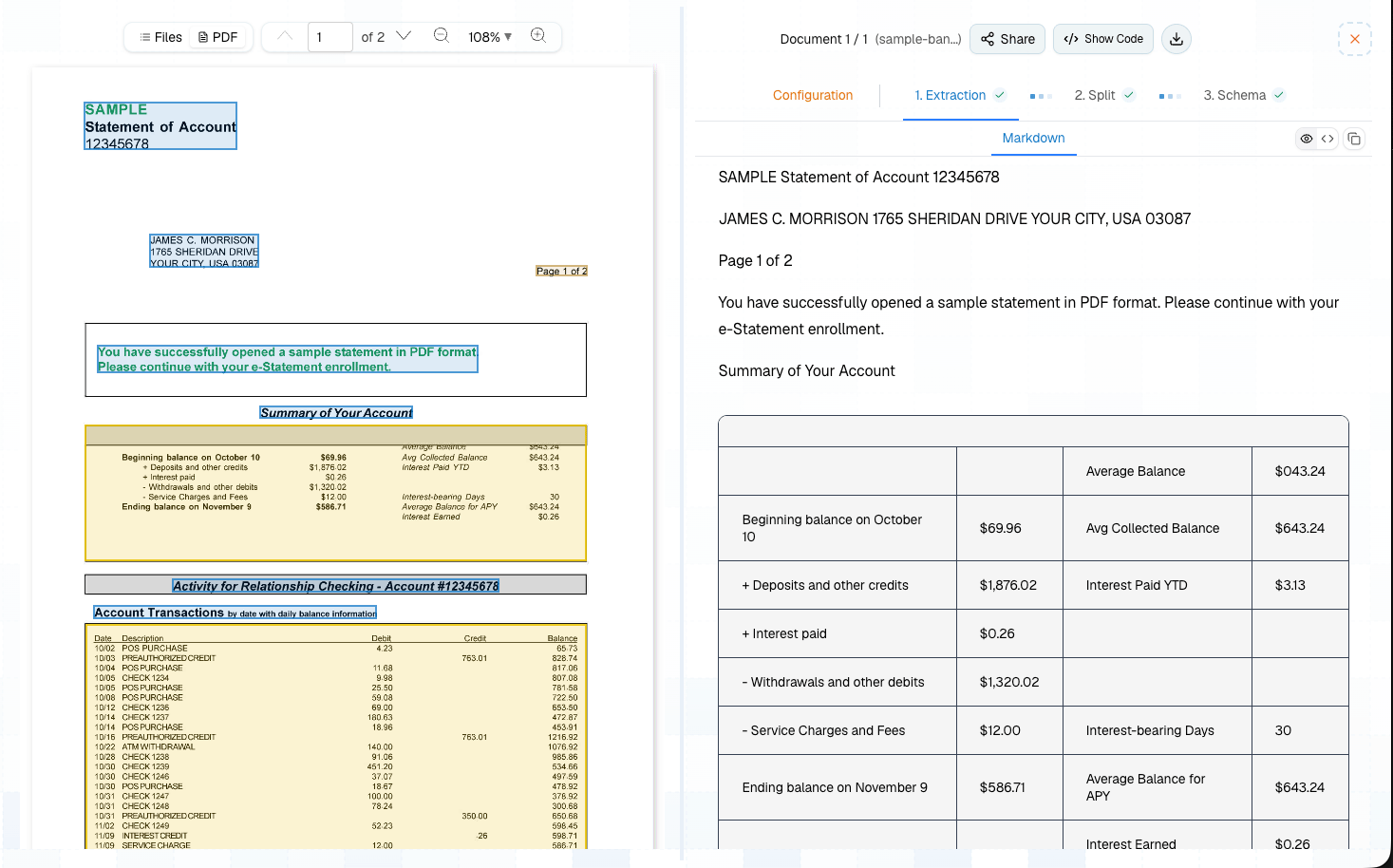
Pipeline Builder
Every new run starts with Extract. From there, add the step that matches the output you need.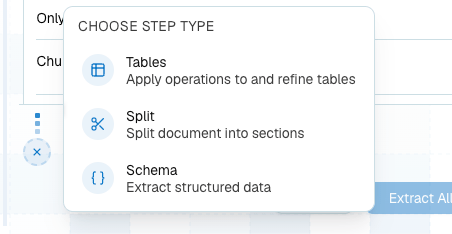
Extract Step
Use Extract to parse the document into reusable content.Schema Step
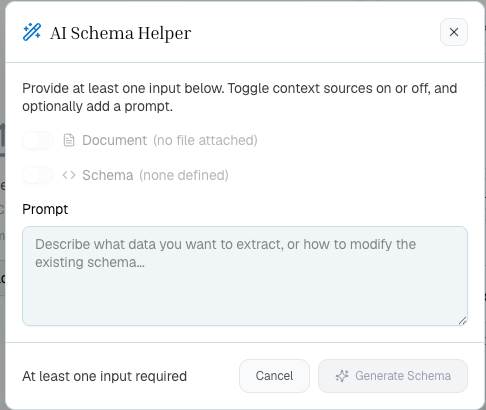
Use Schema to extract named fields into JSON. The editor supports generated schemas, manual editing, field descriptions, schema prompts, saved presets, and reruns. Use it for invoices, forms, contracts, policies, statements, and any document where a known output shape is more important than preserving full table layout.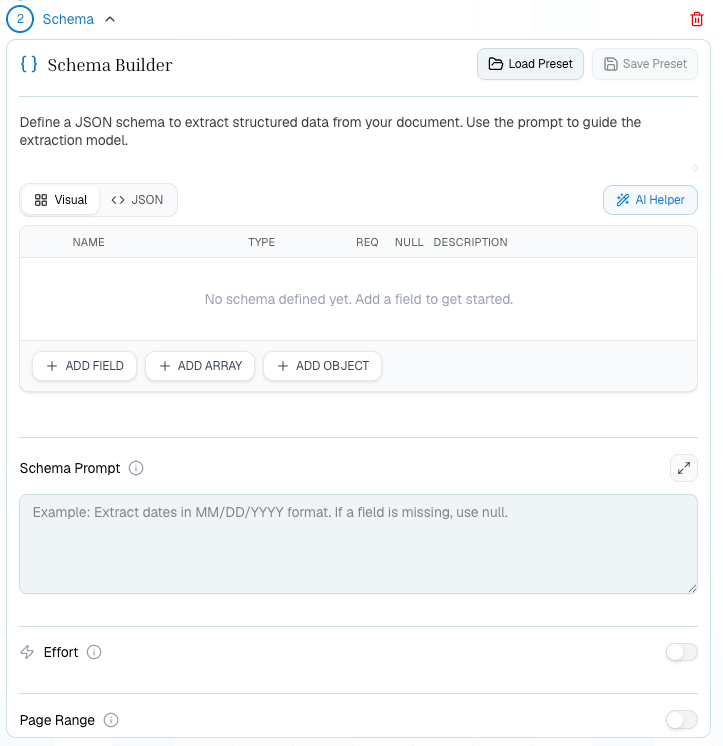
Tables Step
Use Tables when the table is the product. Enable merge for cross-page tables and chart-to-table conversion when charts contain values you want in rows and columns.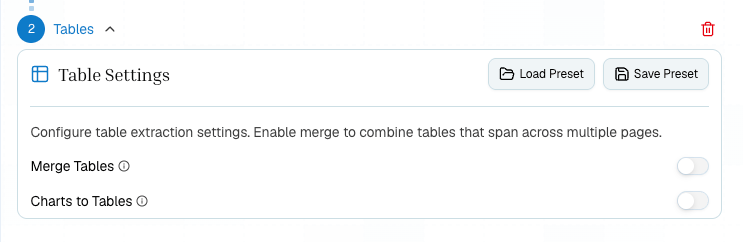
Charts Step
Use Charts when the plotted data is the product. Choose the number of points per continuous series, enable agentic zoom for difficult regions, and select Excel, CSV, or LAS exports. The result view keeps the source chart, normalized bounding box, reconstruction, and complete data table together so selecting the result traces back to the document. Charts can run directly from Extract or from Split. In split mode, page selection comes from each topic, so no separate chart page range is needed.Split Step
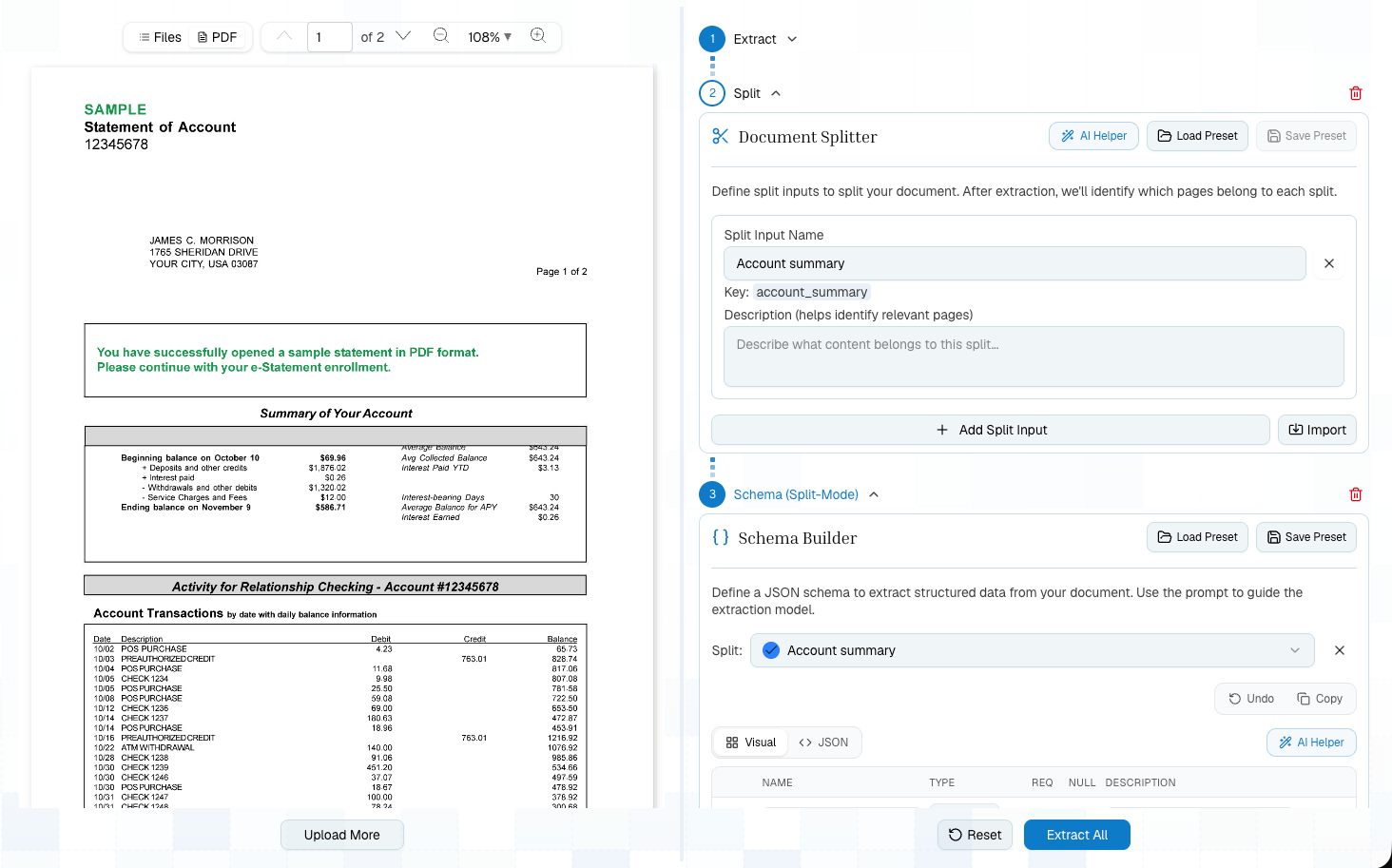
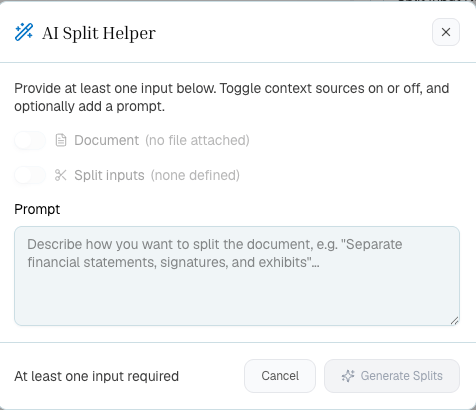
Use Split when a long document contains sections that need different treatment. Split topics should be clear and mutually distinct. After Split, you can apply per-topic schemas or table extraction.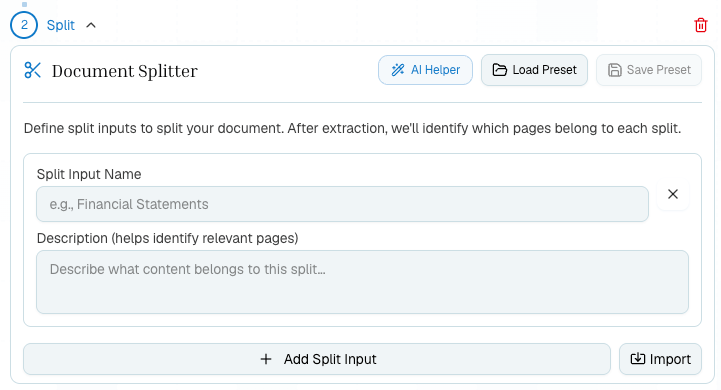
Presets
Presets let you reuse stable configurations:
Use inline configs while exploring. Save presets once the workflow is stable.
Show Code
Show Code generates Python, TypeScript, or cURL from the current pipeline. If a step uses a saved preset, generated code references the config ID instead of inlining the full config.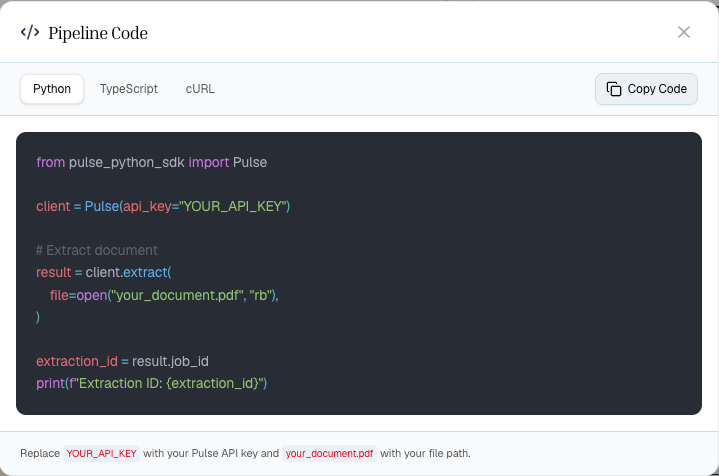
- Build the workflow visually.
- Test it on representative documents.
- Save stable presets.
- Generate code.
- Put the generated chain behind your own app, queue, or data pipeline.
Related
Build Your First Pipeline
A hands-on Platform tutorial.
Choose Your Workflow
Decide which steps to add.
Step Preset Library
Save and reuse configs.
Moving to Production
Turn Playground work into SDK calls.